

Getting Started
How to Create a Wix Website
Go from a blank Wix account to a published website, step by step.
- Beginner
- 25 min read
- For: Wix Editor & Wix Studio
Every tutorial here is 100% free — and always will be.
Independent Wix tutorials
Straight answers for real Wix problems — written for people who just want their website to work. Do it yourself, or we do it for you.
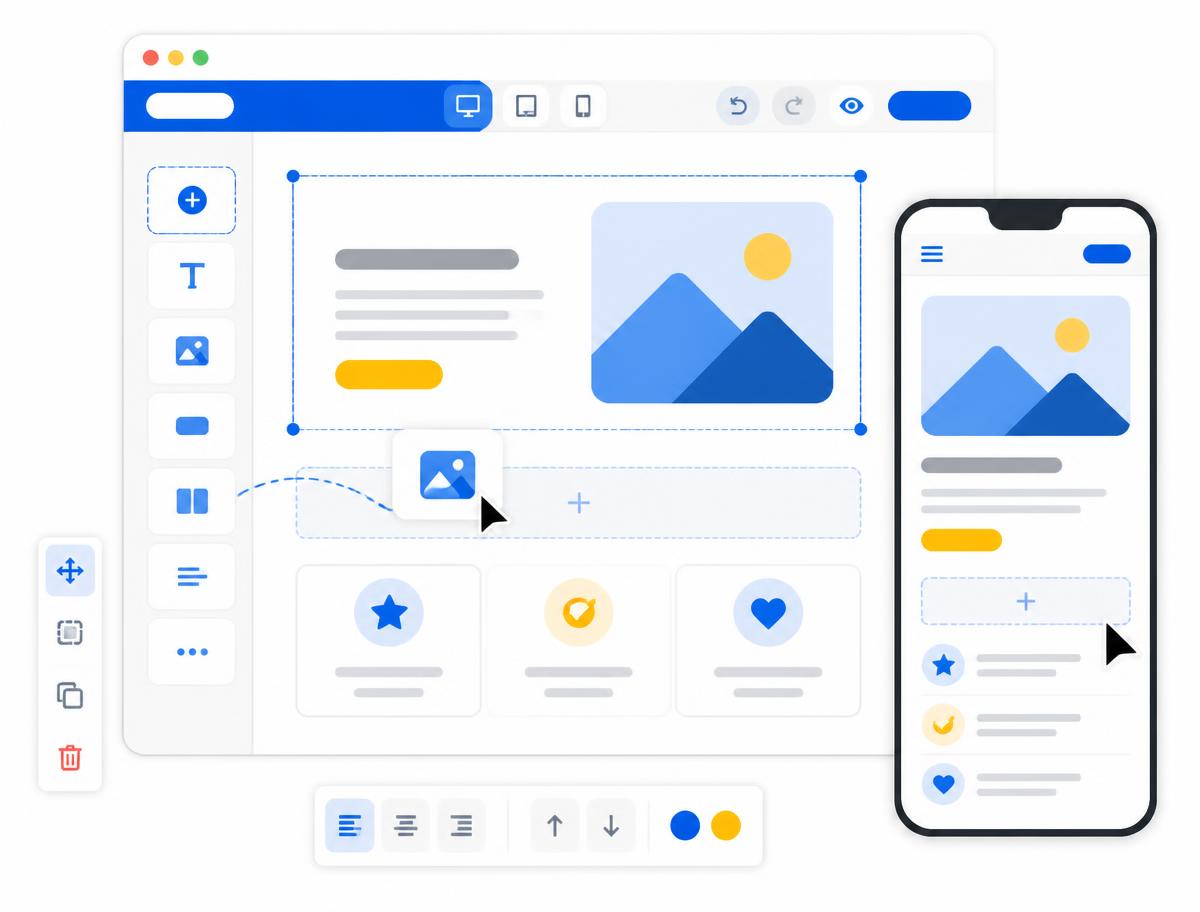
An eighteen-step path from creating your Wix account to growing a website that actually brings in enquiries.
Step 1
Sign up and start a new site the right way.
Step 2
Pick a template you can actually maintain.
Step 3
Learn what each part of the dashboard controls.
Step 4
Sections, elements and how editing really works.
Step 5
Lock in a consistent look before you build.
Step 6
Decide what belongs above the fold.
Getting Started
Go from a blank Wix account to a published website, step by step.
Wix Editor
Get into the editor and make changes with confidence.
Wix Studio
Work out which one you are using and why the instructions differ.
Website Design
Nine changes that make the biggest visual difference.
Troubleshooting
Work through the usual causes in order before you panic.
Troubleshooting
The realistic reasons, in the order worth checking.
Create an account, choose a template, understand the dashboard and build your first website.
Understand the editor, sections, elements, positioning, layouts and everyday editing.
Guides written specifically for Wix Studio, where the interface differs from the standard editor.
Colours, fonts, layouts, spacing, imagery and making your Wix website look professional.
Create, delete and hide pages, build menus, submenus, anchors and website structure.
Edit mobile layouts, hide elements, fix mobile menus and responsive problems.
Buy, connect and transfer domains, plus DNS, SSL and troubleshooting.
Business email, email addresses and connecting external email providers.
Contact forms, enquiry forms, submissions and notifications.
Titles, descriptions, URLs, indexing, Google Search Console and local SEO.
Wix Analytics, Google Analytics, Tag Manager and understanding traffic.
Email marketing, social media, ads, lead generation and conversion.
Useful pages from around the web. We link to the source rather than republishing it.
Wix Help Center · official_documentation
Wix's own reference for the two connection methods. Useful when you need the exact record values for your account.
Wix Help Center · official_documentation
The official checklist Wix walks you through inside the dashboard. Worth reading before you start changing settings.
Wix Help Center · official_documentation
Reference documentation for the mobile editor, including the hidden elements panel and layout optimiser.
Wix Beginner is written and maintained independently. Nothing here comes from Wix.
Website made, maintained and hosted by PromptSites.
